Why local?
A local language model gives me room to experiment without needing an external service for every test. I can switch models, adjust settings and see directly how memory, model size and GPU acceleration affect the experience.
The goal is not to match large commercial AI systems. I mainly want to understand the limits and discover which tasks small models handle surprisingly well.
The setup
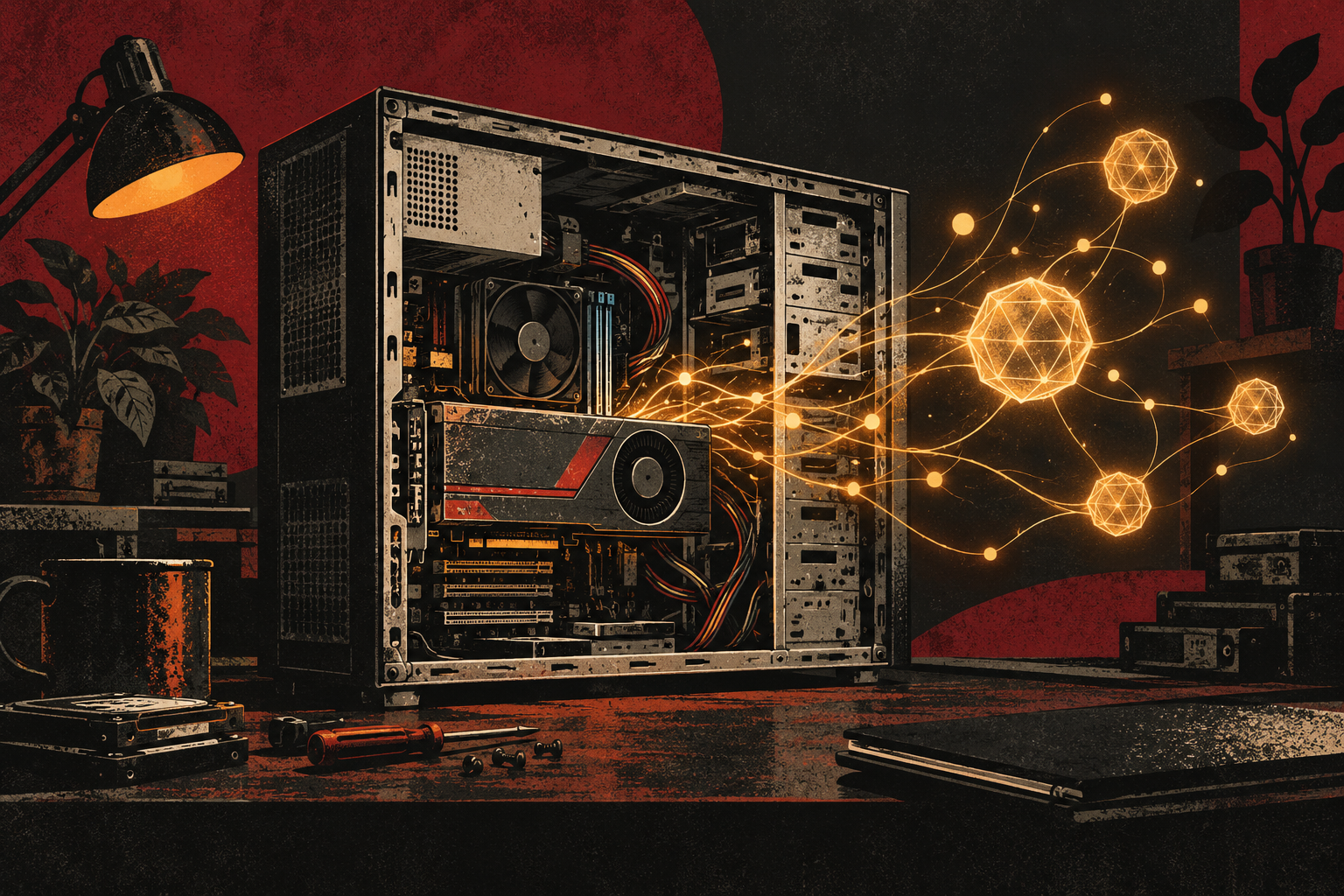
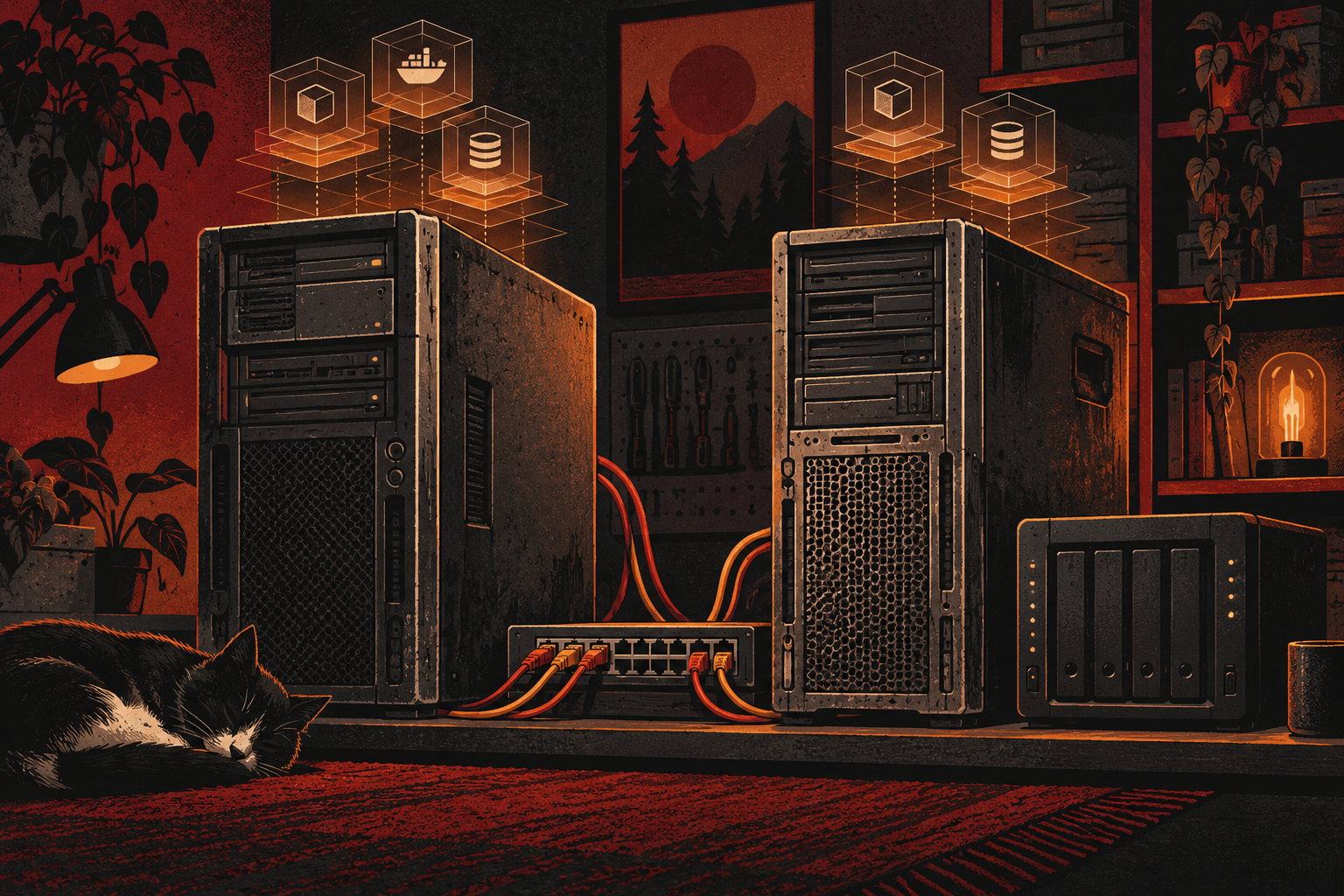
The AI server runs in a Debian Linux container within my Proxmox environment. llama.cpp loads and runs the models. The older Quadro K1200 assists with calculations where possible, while a simple browser interface makes testing from other devices on the home network easier.
A system service starts the server automatically and keeps the setup reproducible. This lets me compare models without reconfiguring the entire environment every time.
Models and limitations
I experiment with TinyLlama, Qwen 2.5 3B Instruct and Phi-3 Mini, among others. They are deliberately compact models, often in a reduced quantised variant, so they fit the available computing power and memory of older hardware.
The limitations are immediately noticeable: answers arrive more slowly, context windows are smaller and compact models understand complex requests less reliably. That makes the impact of model size, quantisation and good instructions especially visible.